Registering a New Domain
Registering a domain name ending in .mt is a straightforward process.
Step-by-Step Guide
-
Navigate to the home page and enter desired domain:

-
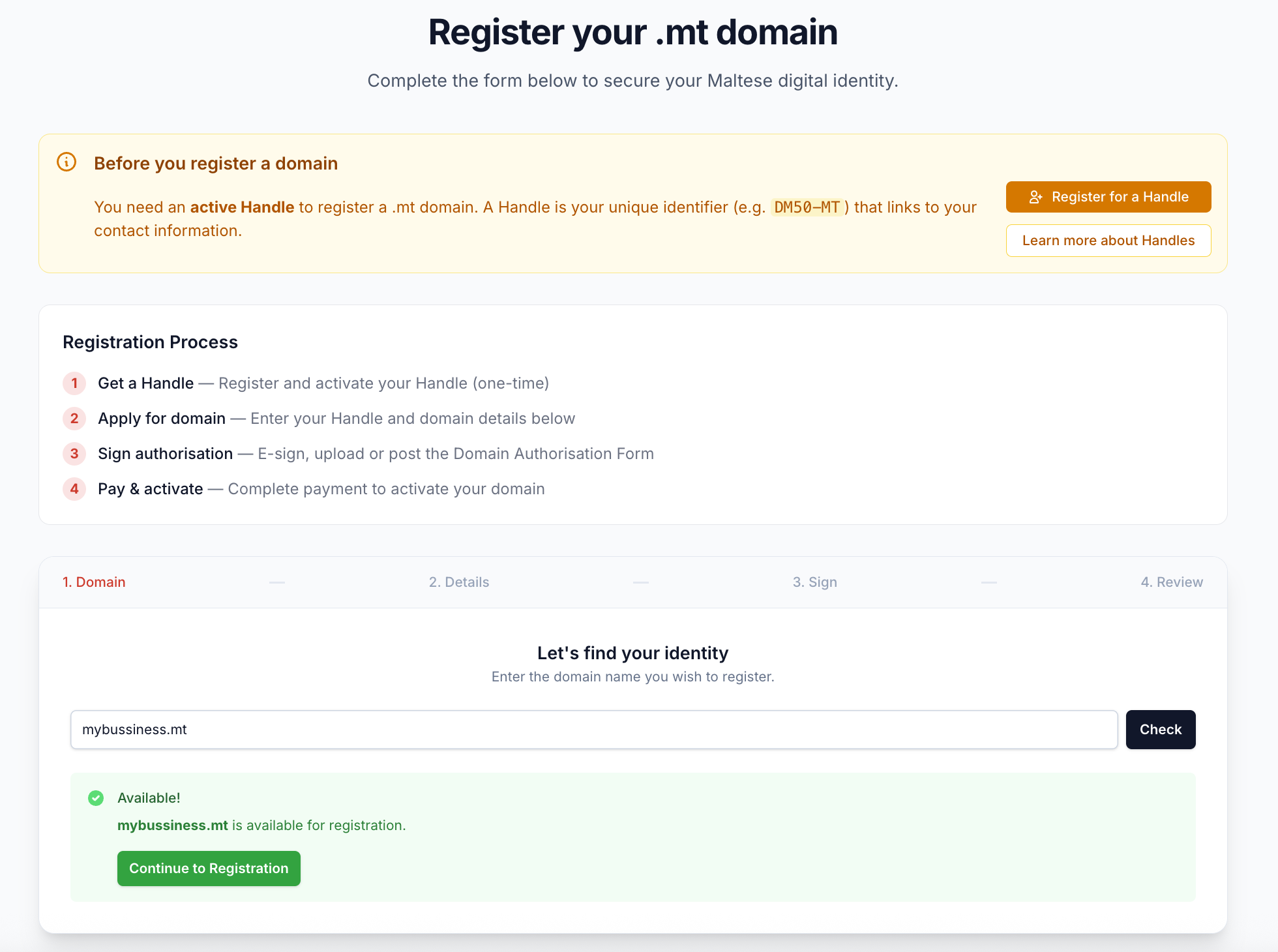
Check the domain availability and prompt to register a handle if not done already:
-
If domain is available, click continue to registration and role details:

-
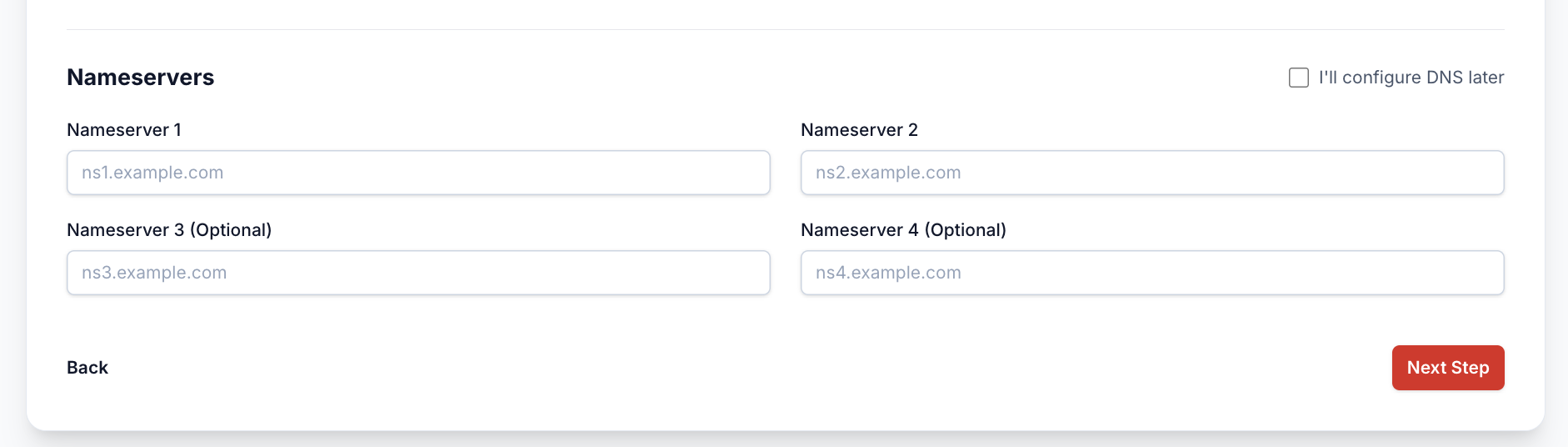
Configure name servers or choose to configure them later:
-
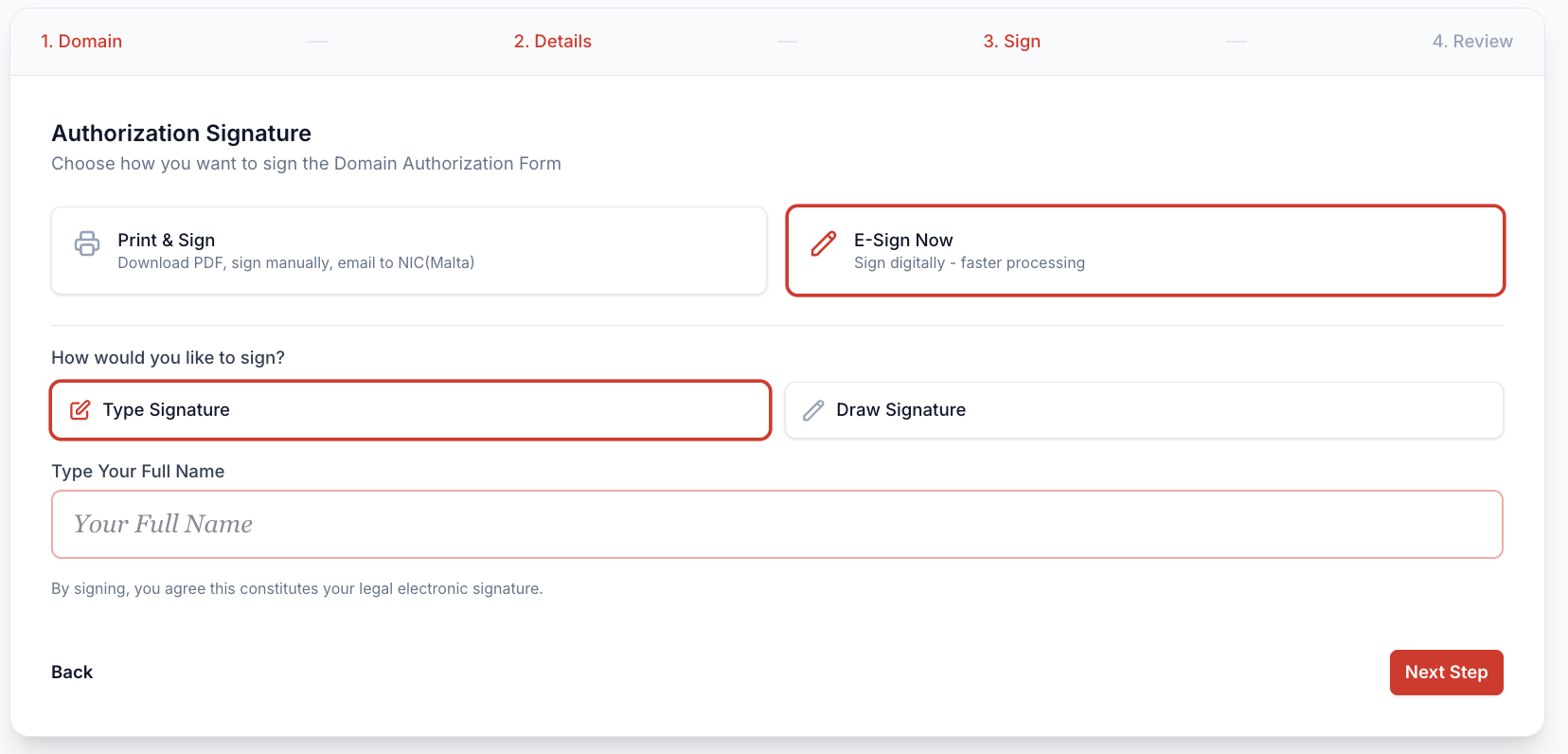
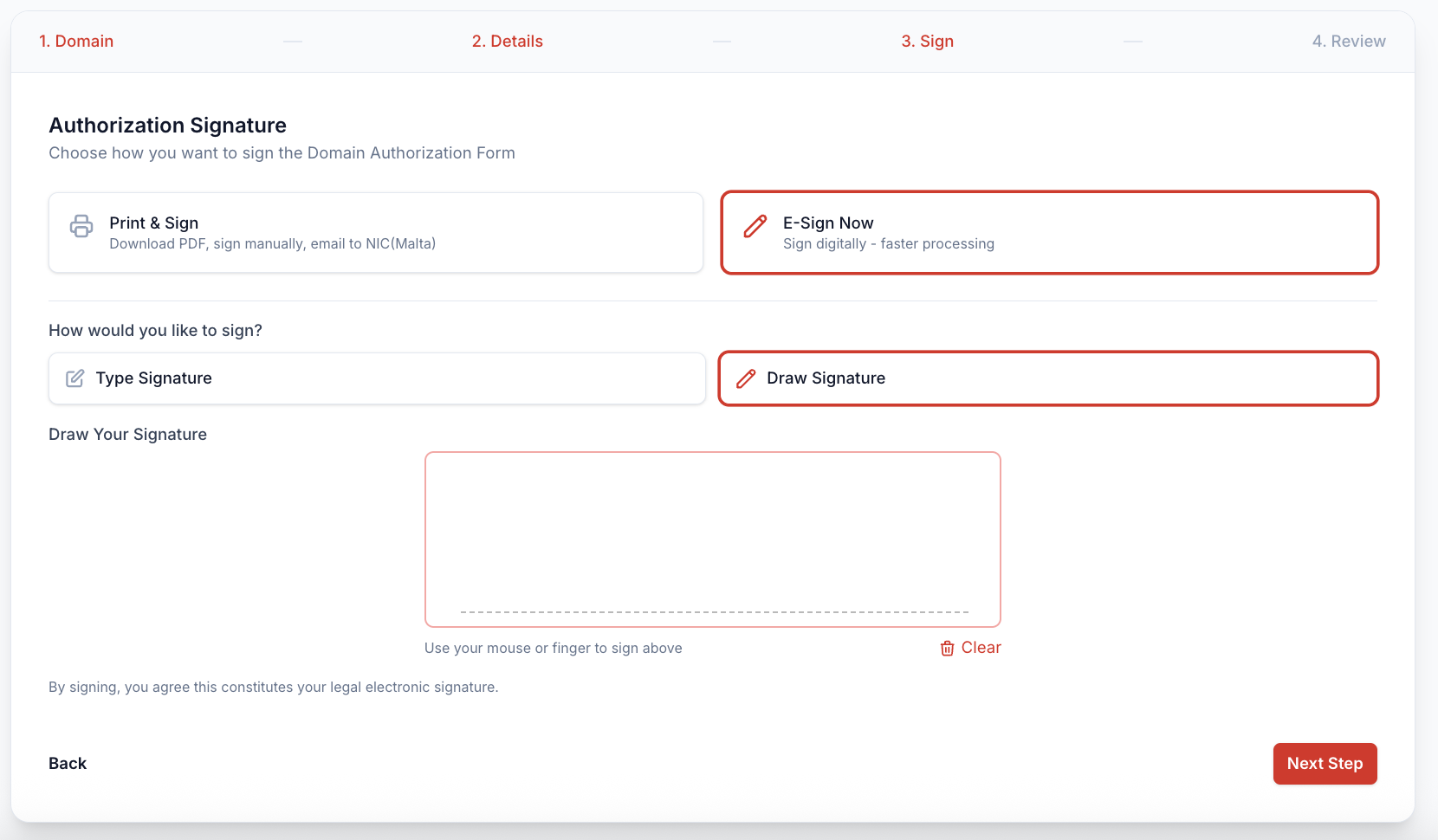
The next step is to sign the registration form:
a. Print registration form and upload via Dashboard later:
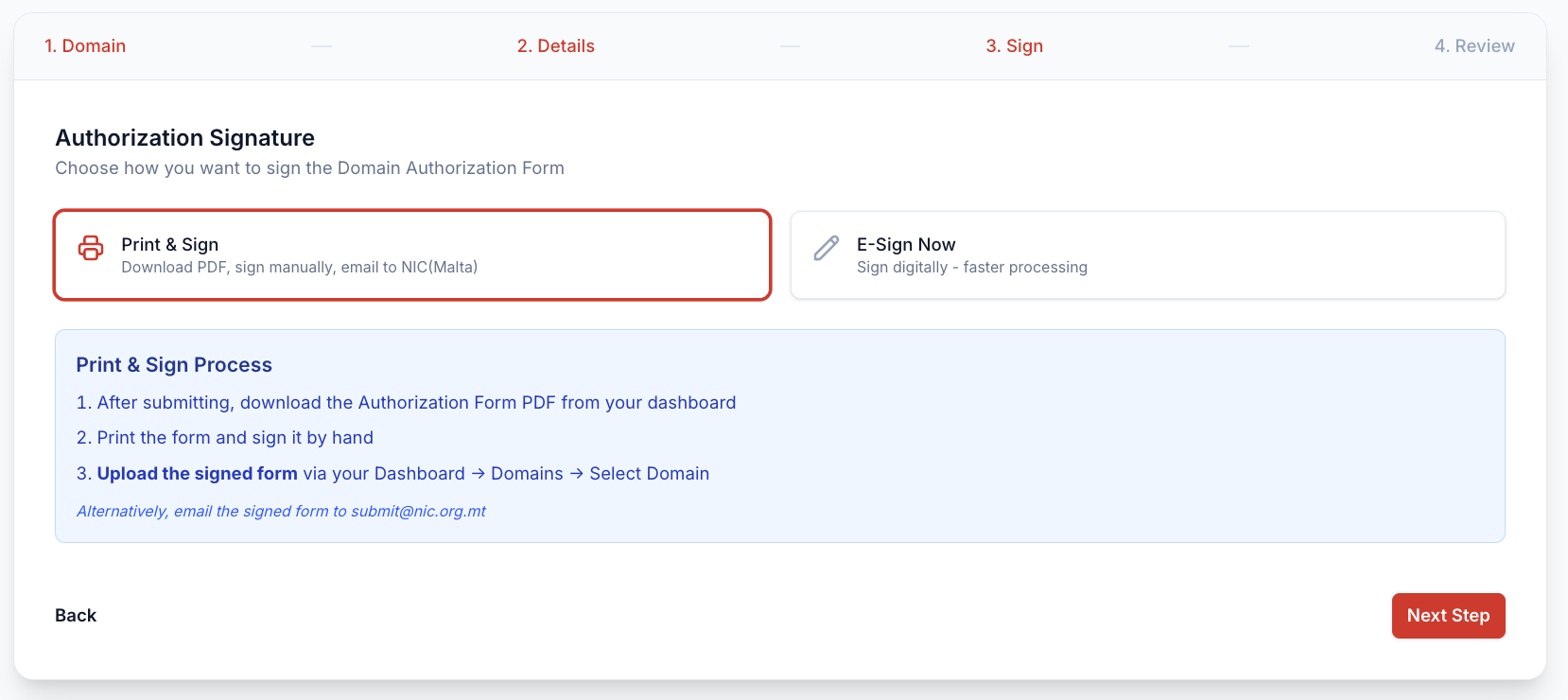
b. E-Sign online with a Type Signature:
c. E-Sign online with a Draw Signature:
-
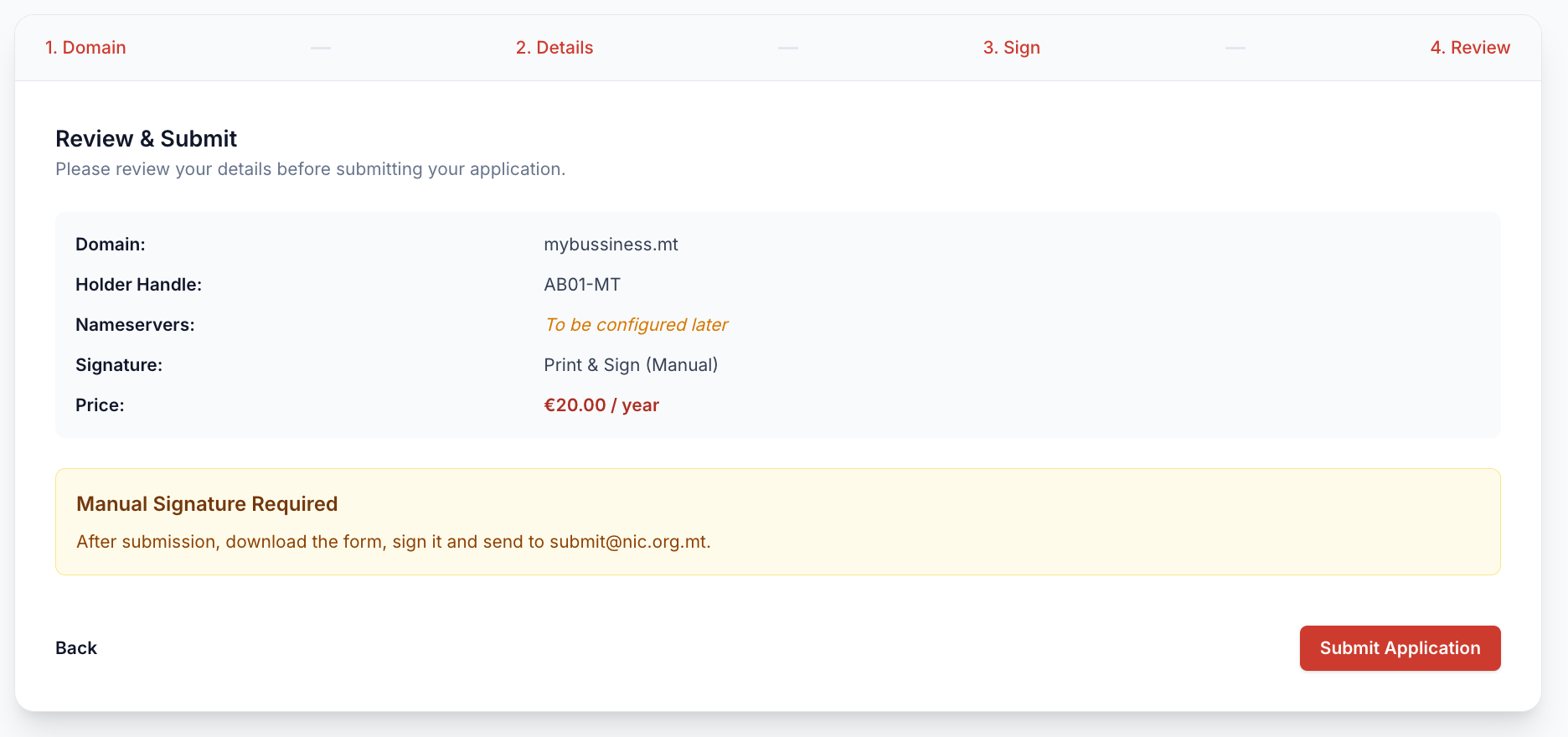
Confirmation of order and price:
-
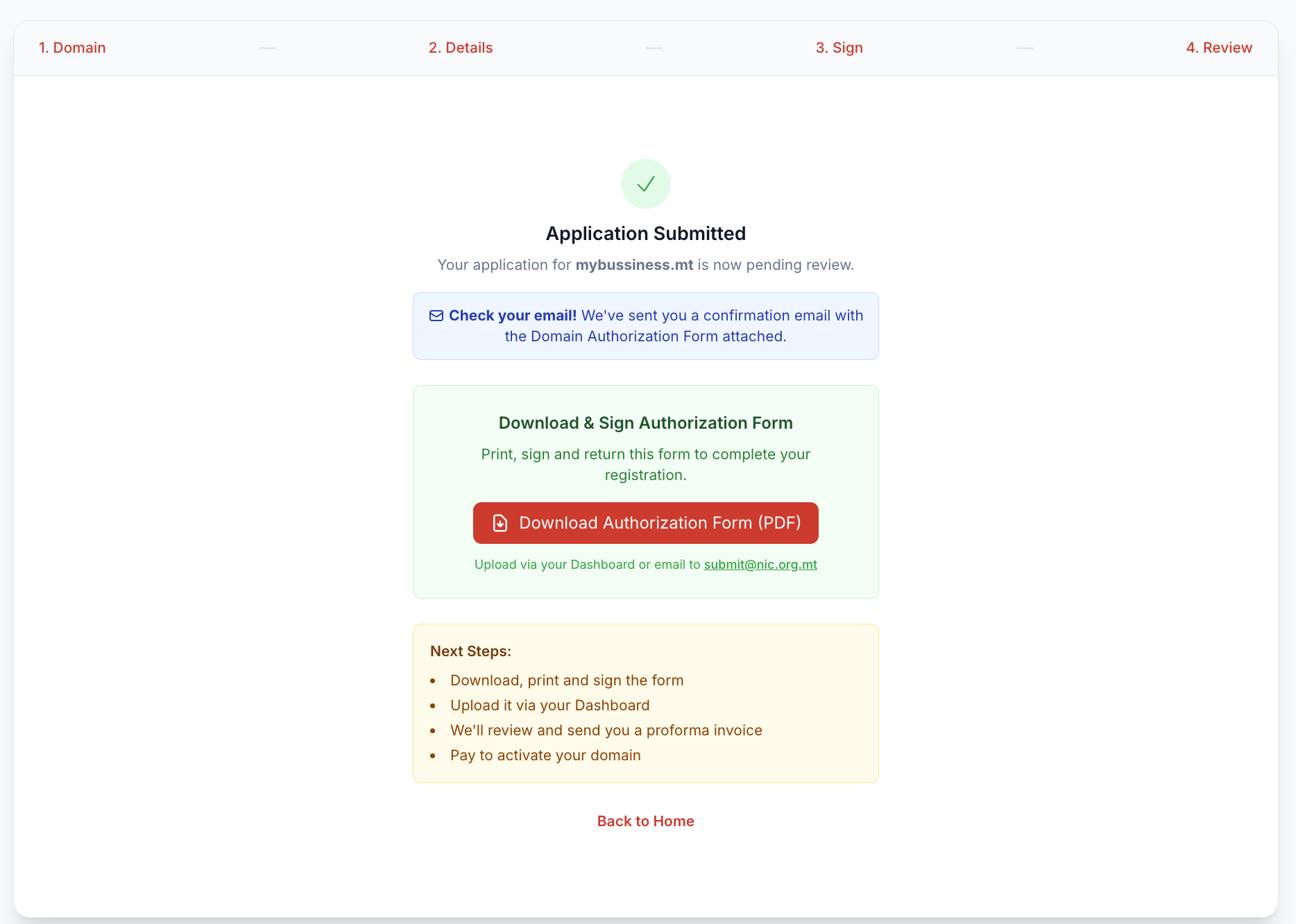
Confirmation domain application was sent: